What is a CRM for Nonprofits?
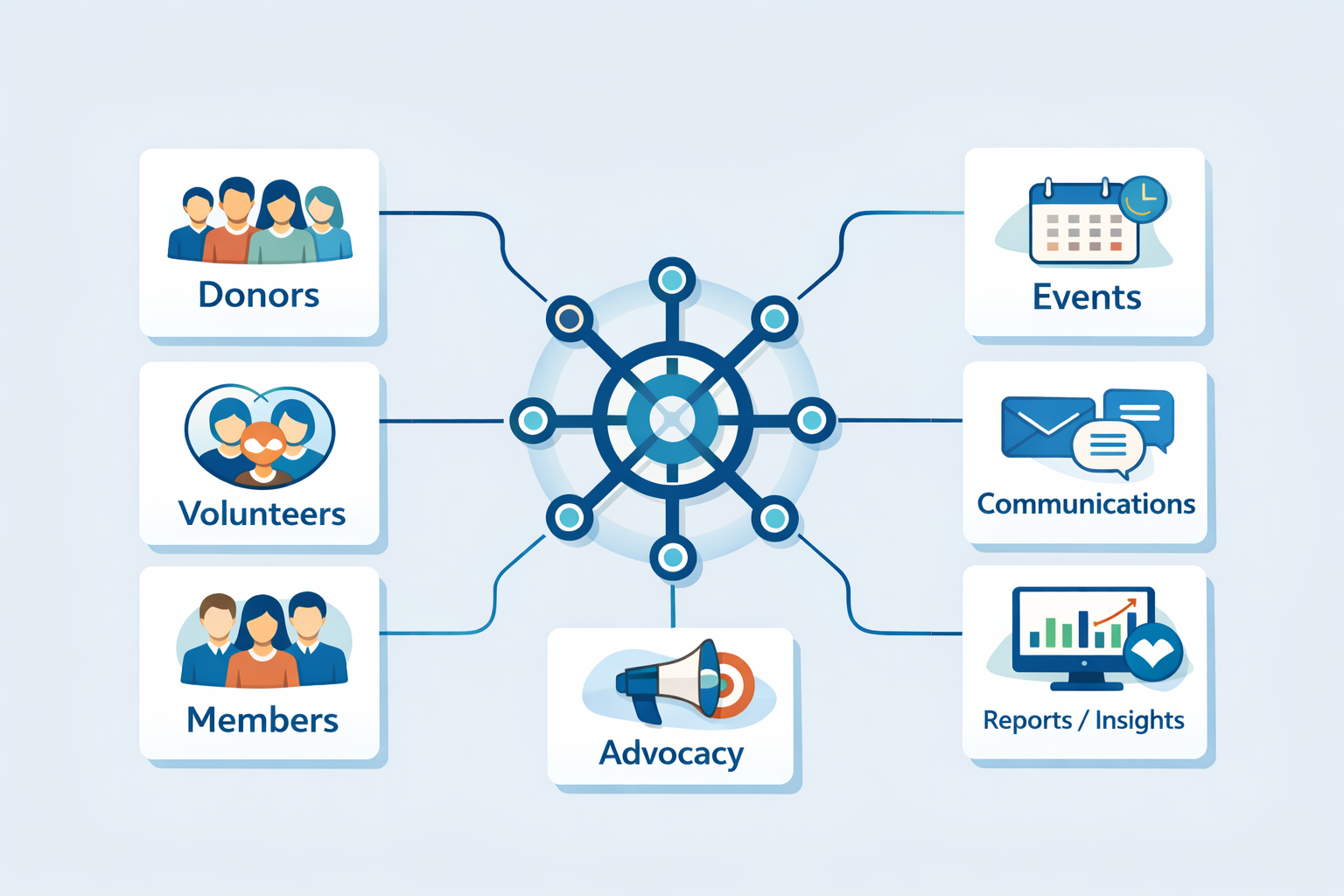
A CRM (Constituent Relationship Management) system is a tool used by nonprofits to manage relationships with constituents—whether they are donors, volunteers, members, event attendees, or allies. While businesses use CRM to manage customer relationships, nonprofits focus on engaging their community, which might include a variety of groups such as donors, volunteers, vendors, or advocates.
At its core, a CRM helps nonprofits organize and track all interactions with these groups, improving communication, increasing engagement, and streamlining operations.
What Data Can a CRM Collect?
CRMs are powerful tools that can collect and store a wide range of data about your constituents, including:
- Biographical Information (e.g., name, address, job title)
- Contact Information (e.g., email, phone number, social media handles)
- Relationships (e.g., family, corporate, organizational connections)
- Interests & Hobbies
- Activities / Engagements
- Communication History (e.g., emails, phone calls, meeting notes)
- Donation History
- Volunteer Work
- Event Attendance
- Preferred Giving Channels
- Advocacy Engagement (e.g., petitions, campaigns)
- Online Engagement (e.g., website visits, social media interactions)
Types of CRMs
CRMs generally come in two types:
- Software as a Service (SaaS)
- Fully hosted and managed by the CRM provider.
- Plans vary in price based on features and support levels.
- Great for organizations with limited technical resources.
- Pricing: $$ to $$$$
- Self-Managed CRMs
- Purchased or free, then self-hosted or managed through a provider.
- Requires more technical expertise for installation and ongoing maintenance.
- Can be cost-effective but may need internal resources or consultants for management.
- Pricing: $$ to $$$
For both options, you might consider hiring a consultant for strategic planning, management, or technical support.
CRM Options for Nonprofits
The nonprofit CRM landscape is vast, and choosing the right system depends on your organization’s needs and budget. Here are some popular options:
- NationBuilder $-$$$
- BlackBaud $$$-$$$$
- Neon CRM $$-$$$
- SugarCRM $$-$$$$
- Salsa Labs $$-$$$
- Sage CRM $$$-$$$$
- DonorPerfect $$$-$$$$
- Salesforce Nonprofit $-$$$$$
- ZohoCRM $-$$$$
- CiviCRM $-$$$
Assessing Your Needs
Before selecting a CRM, ask yourself the following questions:
- How much time, money, and energy is spent managing contacts, donations, events, and communications?
- What systems are currently in place, and how effective are they?
- What are the key features you need in a CRM? (e.g., donation tracking, event management)
- How do your team members or volunteers share constituent information?
- What is your technical capacity? Do you have in-house expertise or need external help?
- What is your budget for a CRM solution?
- How do you engage your community on campaigns and advocacy efforts?
- Are you expecting growth? If so, by how much?
CRM Recommendations
Here are my top CRM recommendations based on different organizational needs:
CiviCRM
- Cost: Free (self-hosted) + web hosting (approx. $50-$1k/year) or SaaS ($3-5k/year)
- Best For: Organizations with some technical expertise or those willing to invest in consultants.
- Pros:
- Free to acquire, highly customizable with a large developer community.
- Integrates with WordPress, Drupal, and Joomla.
- Extensive API for advanced features.
- Cons:
- Requires technical knowledge or a consultant for setup and maintenance.
- If self-hosted, security is your responsibility.
Salesforce Nonprofit
- Cost: Free for first 10 users; $36-$72/user thereafter.
- Best For: Larger organizations with IT staff.
- Pros:
- Powerful, highly customizable CRM used by both businesses and nonprofits.
- Salesforce manages the backend, so minimal technical knowledge is needed.
- Free for smaller teams (up to 10 users).
- Cons:
- May require consultants for integrations or to optimize workflows.
- Support is limited for free users.
NationBuilder
- Cost: $300/year and up.
- Best For: Organizations looking for an all-in-one website and CRM solution.
- Pros:
- Fully managed, integrated website and CRM.
- Flat-rate pricing, with support included.
- Easy to use with minimal technical skills required.
- Cons:
- Proprietary system with limited API access.
- Can lead to dependency on their platform; less flexibility for customization.
Not Ready for a Full CRM?
If you don’t need a full CRM yet but still want to connect with your community or manage some aspects of your nonprofit, here are some alternatives:
- Website Platforms:
- No technical skills: SquareSpace
- Some technical knowledge: WordPress.com or WPEngine.
- Advanced users: Shared hosting or VPS with WordPress or Drupal.
- Email Management:
- Use Mailchimp for basic email communication.
- Event Management:
- Use Eventbrite for event registration. Mailchimp and Eventbrite integrate easily.
- Online Donations:
By assessing your needs, evaluating available options, and considering your technical capacity, you’ll be able to select the best CRM solution for your nonprofit, enabling you to better engage with your community and streamline your operations. I am happy to give advice to any small nonprofits looking for help getting started – email me.